Skip to content
Wooden voxel mine cart with a big bomb and a red and a blue pennant

Team Fortress 2 server hosting

Team Fortress 2 server hosting at CakeHosting starts at €2.95 a month, including VAT. You pick the maps, the rules and the plugins. When you order, you enter a free Steam token, so your server shows up in the server browser.

Choose your Team Fortress 2 plan

Choose your line

Standard Team Fortress 2

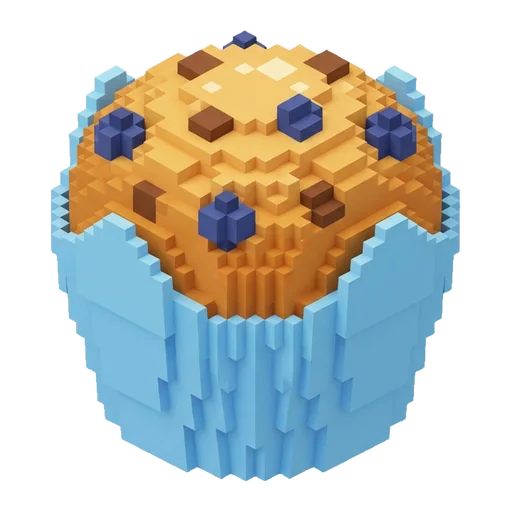
  • Voxel blueberry muffin in a light blue paper case

    Muffin 2 GBStandard

    per month

    €2.95

    or €30.09 a year

    Order now Team Fortress 2 Muffin 2 GB (Standard)

    This plan includes:

    • 2 GB of RAM
    • 2 CPU threads
    • 15 GB of storage
    • 2 backups, schedule them yourself
    • 1 database
    • Standard DDoS protection from the data centre
    • Location: Europe (Netherlands, Germany or France), Canada, Singapore

  • Popular

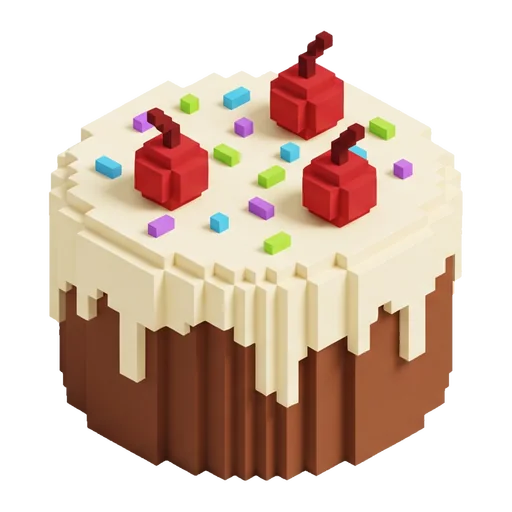
    Voxel cupcake with vanilla cream, a cherry and sprinkles

    CupCake 4 GBStandard

    per month

    €4.95

    or €50.49 a year

    Order now Team Fortress 2 CupCake 4 GB (Standard)

    This plan includes:

    • 4 GB of RAM
    • 2 CPU threads
    • 20 GB of storage
    • 2 backups, schedule them yourself
    • 1 database
    • Standard DDoS protection from the data centre
    • Location: Europe (Netherlands, Germany or France), Canada, Singapore
  • Round voxel cake with cream, three cherries and sprinkles

    Cake 6 GBStandard

    per month

    €6.95

    or €70.89 a year

    Order now Team Fortress 2 Cake 6 GB (Standard)

    This plan includes:

    • 6 GB of RAM
    • 3 CPU threads
    • 30 GB of storage
    • 2 backups, schedule them yourself
    • 1 database
    • Standard DDoS protection from the data centre
    • Location: Europe (Netherlands, Germany or France), Canada, Singapore

  • Two-tier voxel cake with cream and a ring of cherries

    BIGCake 8 GBStandard

    per month

    €8.95

    or €91.29 a year

    Order now Team Fortress 2 BIGCake 8 GB (Standard)

    This plan includes:

    • 8 GB of RAM
    • 3 CPU threads
    • 40 GB of storage
    • 2 backups, schedule them yourself
    • 1 database
    • Standard DDoS protection from the data centre
    • Location: Europe (Netherlands, Germany or France), Canada, Singapore

Show all 5 sizesShow fewer sizes

Premium Team Fortress 2

  • AMD Ryzen 9 7950X or 9950X

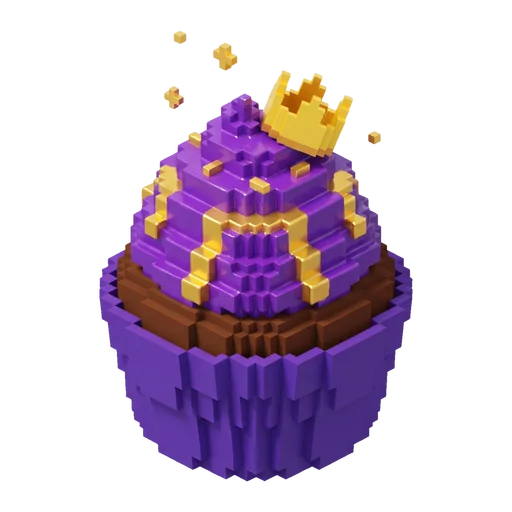
    Purple voxel cupcake with gold drips and a little gold crown

    Premium CupCake 4 GBPremium

    per month

    €8.95

    or €91.29 a year

    Order now Team Fortress 2 Premium CupCake 4 GB (Premium)

    This plan includes:

    • 4 GB of RAM
    • 4 CPU threads
    • 32 GB of storage
    • 2 backups, schedule them yourself
    • 1 database
    • DDoS protection through Cloudflare Magic Transit
    • Location: Europe (Netherlands or France), United States (San Jose, California)
  • Popular

    AMD Ryzen 9 7950X or 9950X

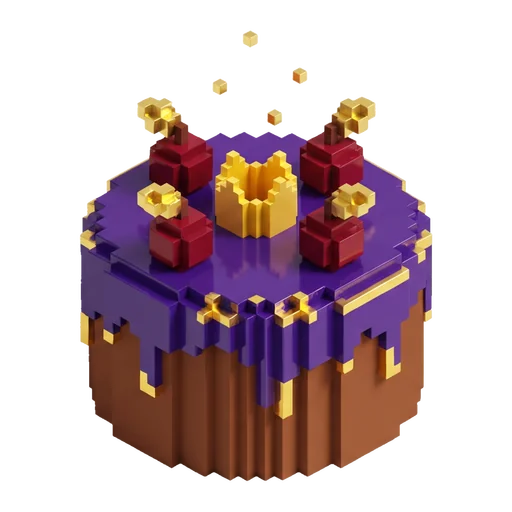
    Purple voxel cake with gold drips, cherries and a little crown

    Premium Cake 6 GBPremium

    per month

    €12.95

    or €132.09 a year

    Order now Team Fortress 2 Premium Cake 6 GB (Premium)

    This plan includes:

    • 6 GB of RAM
    • 6 CPU threads
    • 48 GB of storage
    • 2 backups, schedule them yourself
    • 1 database
    • DDoS protection through Cloudflare Magic Transit
    • Location: Europe (Netherlands or France), United States (San Jose, California)
  • AMD Ryzen 9 7950X or 9950X

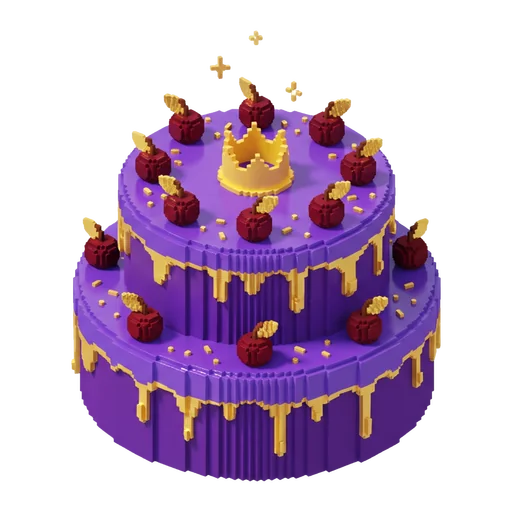
    Two-tier purple voxel cake with gold icing and a little crown

    Premium BIGCake 8 GBPremium

    per month

    €17.95

    or €183.09 a year

    Order now Team Fortress 2 Premium BIGCake 8 GB (Premium)

    This plan includes:

    • 8 GB of RAM
    • 6 CPU threads
    • 64 GB of storage
    • 2 backups, schedule them yourself
    • 1 database
    • DDoS protection through Cloudflare Magic Transit
    • Location: Europe (Netherlands or France), United States (San Jose, California)

All prices are per month and include 21% Dutch VAT unless stated otherwise. You will see the final amount at checkout.

How much memory do you need?

TF2 is an old, light game: 2 GB is plenty for a regular server. Go bigger for lots of plugins, custom maps or SourceTV.

4

Muffin 2 GB Standard

€2.95 per month

Order now Team Fortress 2 Muffin 2 GB (Standard)
How we calculate

Team Fortress 2, 1 to 24 players: 2 GB

Guideline for Team Fortress 2: memory and plan per number of players
PlayersMemoryStandardPremium
1 to 24 players 2 GB Muffin 2 GB Premium CupCake 4 GB
25 to 32 players 3 GB Brownie 3 GB Premium CupCake 4 GB

Lots of plugins: add 1 GB.

Open the full calculator

Every server comes with

  • DDoS protection on every plan
  • Backups you schedule and restore yourself
  • Game panel with console, file manager and SFTP
  • Set up automatically after you pay
  • Cancel any month
  • Pay with iDEAL, Bancontact or credit card

Finish your cake

Pick them when you order. Prices per month.

  • Extra whipped cream Extra RAM

    from €1.50

  • Extra layer Extra NVMe storage

    from €2.95

  • Turbo oven Extra CPU power

    from €2.95

  • Cake boxes More backups

    from €2.95

  • Recipe book Five extra databases

    from €1.49

  • Candles Extra ports

    from €1.49

  • Cake vault Off-site backup

    from €6.95

Standard or Premium for Team Fortress 2?

The Source engine does most of its work on one core. On a full server with lots of plugins, you will notice the faster cores of Premium.

Not sure? Read Standard vs Premium explained or see Specifications.

Standard and Premium for Team Fortress 2 side by side
Standard Premium
Processor Solid hardware at a sharp price AMD Ryzen 9 7950X or 9950X
Memory 2, 3, 4, 6 or 8 GB 4, 6 or 8 GB
CPU threads 2 to 3 4 to 6
Storage 15 to 40 GB 32 to 64 GB
Backups 2 per server 2 per server
Databases 1 (MySQL) 1 (MySQL)
DDoS protection Standard DDoS protection from the data centre DDoS protection through Cloudflare Magic Transit
Locations Europe (Netherlands, Germany or France), Canada, Singapore Europe (Netherlands or France), United States (San Jose, California)

Price from €2.95 per month from €8.95 per month

Setting up your Team Fortress 2 server

Just ordered? First steps after your order shows you how to get into the game panel. To change the settings in the Startup tab, see Change your server settings under Startup.

  1. Step 1: Create a Steam token

    Go to the Steam game server page and create a token with App ID 440.

  2. Step 2: Order your plan

    Paste the 32-character token when you order. Our system then installs the server.

  3. Step 3: Pick your map

    Set the starting map in the Startup tab, for example cp_dustbowl.

  4. Step 4: Set your rules

    Server name, password and rcon go in tf/cfg/server.cfg. Upload SourceMod to tf/addons.

What do you need for a Team Fortress 2 server?

Why a Steam token?

Valve only lists a server in the server browser when it has a Game Server Login Token. You create one for free with your Steam account, for App ID 440. The token belongs to you: keep it to yourself and make a new one if it leaks. You can enter a new token in the Startup tab.

Can I use SourceMod?

Yes. Upload Metamod:Source and SourceMod to tf/addons through the file manager or SFTP and restart your server. Plugins go in tf/addons/sourcemod/plugins. For plugins that want a database, create a MySQL database in the game panel.

Similar games

Further reading

Guides and articles about Team Fortress 2.

Frequently asked questions

How much does Team Fortress 2 server hosting cost?

From €2.95 a month, including VAT, on Standard; Premium starts at €8.95. What you pay depends on the memory; every size is listed with the plans. You pay monthly and can cancel any month.

Do I need a Steam token?

Yes. You enter it when you order. Create it for free on the Steam game server page with App ID 440; the token is 32 characters long.

Can I use custom maps and plugins?

Yes. Maps go in tf/maps, SourceMod plugins in tf/addons/sourcemod/plugins. Upload files through the file manager or SFTP.

How much memory does a TF2 server need?

For a regular server, 2 GB is enough. Go bigger for lots of plugins, custom maps or when you turn on SourceTV.

How do I become an admin on my server?

With SourceMod, add your Steam ID to tf/addons/sourcemod/configs/admins_simple.ini. After that, the admin menus work in game.

More questions? See all frequently asked questions

Ready to start?

Questions before you order? We are happy to help.